Google Sheets Find and replace keyboard shortcut
Mac
Cmd+Shift+H
Windows
Ctrl+H
The keyboard shortcut for Find and replace in Google Sheets is Cmd+Shift+H on Mac and Ctrl+H on Windows. It replaces the menu path Edit › Find and replace.
Other shortcuts for Find and replace
Google Sheets also accepts these keys for the same action:
- Ctrl+Opt+E → F (Mac) / Alt+E → F (Windows)
Learn this shortcut without trying
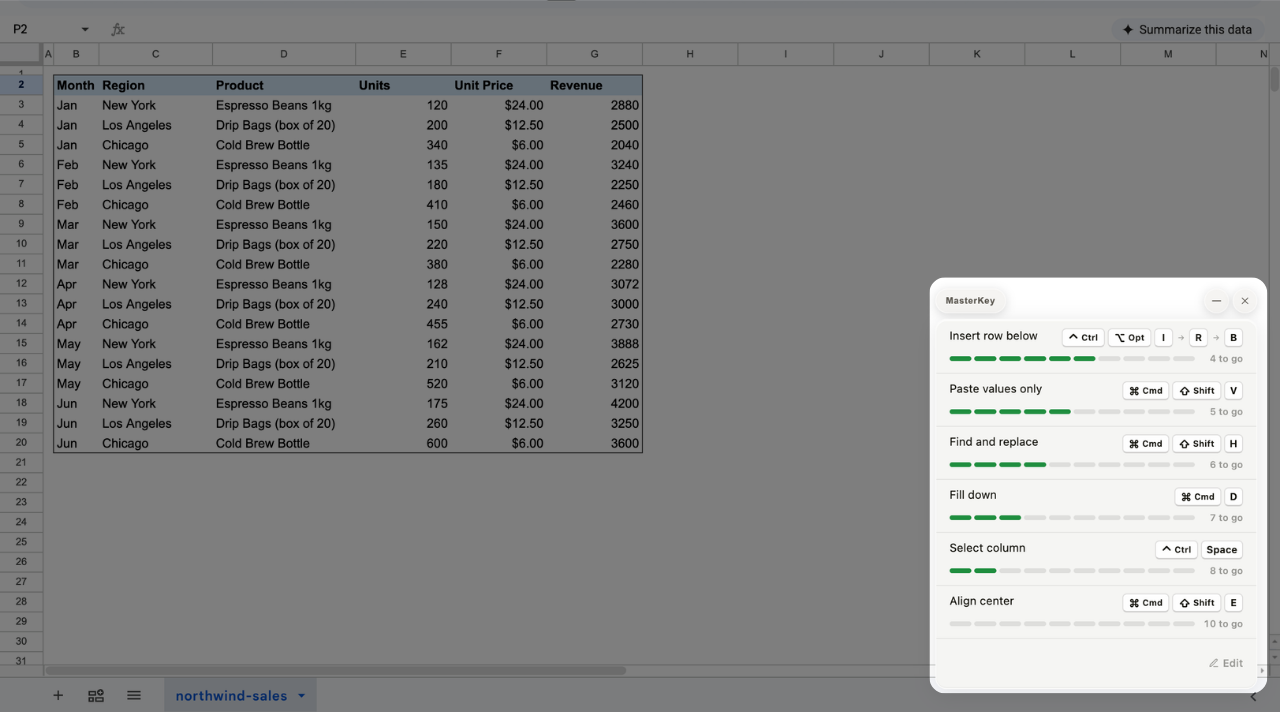
MasterKey is a free Chrome extension. It counts what you keep doing with the mouse in Google Sheets and sticks the top six to the corner of your sheet — each one peels off once you've used it enough. Nothing pops up while you work.
 Add to Chrome — it's free