Google Sheets Paste values only keyboard shortcut
Mac
Cmd+Shift+V
Windows
Ctrl+Shift+V
The keyboard shortcut for Paste values only in Google Sheets is Cmd+Shift+V on Mac and Ctrl+Shift+V on Windows. It replaces the menu path Edit › Paste special › Values only.
Other shortcuts for Paste values only
Google Sheets also accepts these keys for the same action:
- Ctrl+Opt+E → S → V (Mac) / Alt+E → S → V (Windows)
Learn this shortcut without trying
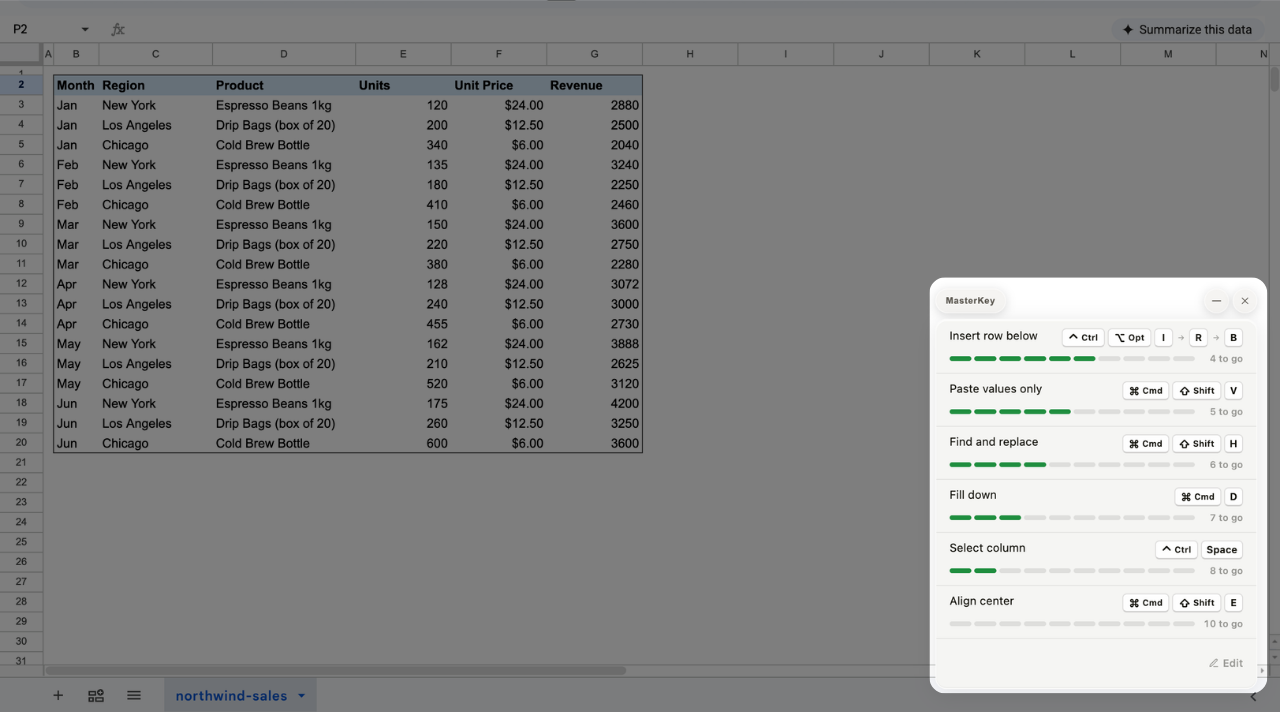
MasterKey is a free Chrome extension. It counts what you keep doing with the mouse in Google Sheets and sticks the top six to the corner of your sheet — each one peels off once you've used it enough. Nothing pops up while you work.
 Add to Chrome — it's free